
What to expect from a Beeline Routes demo
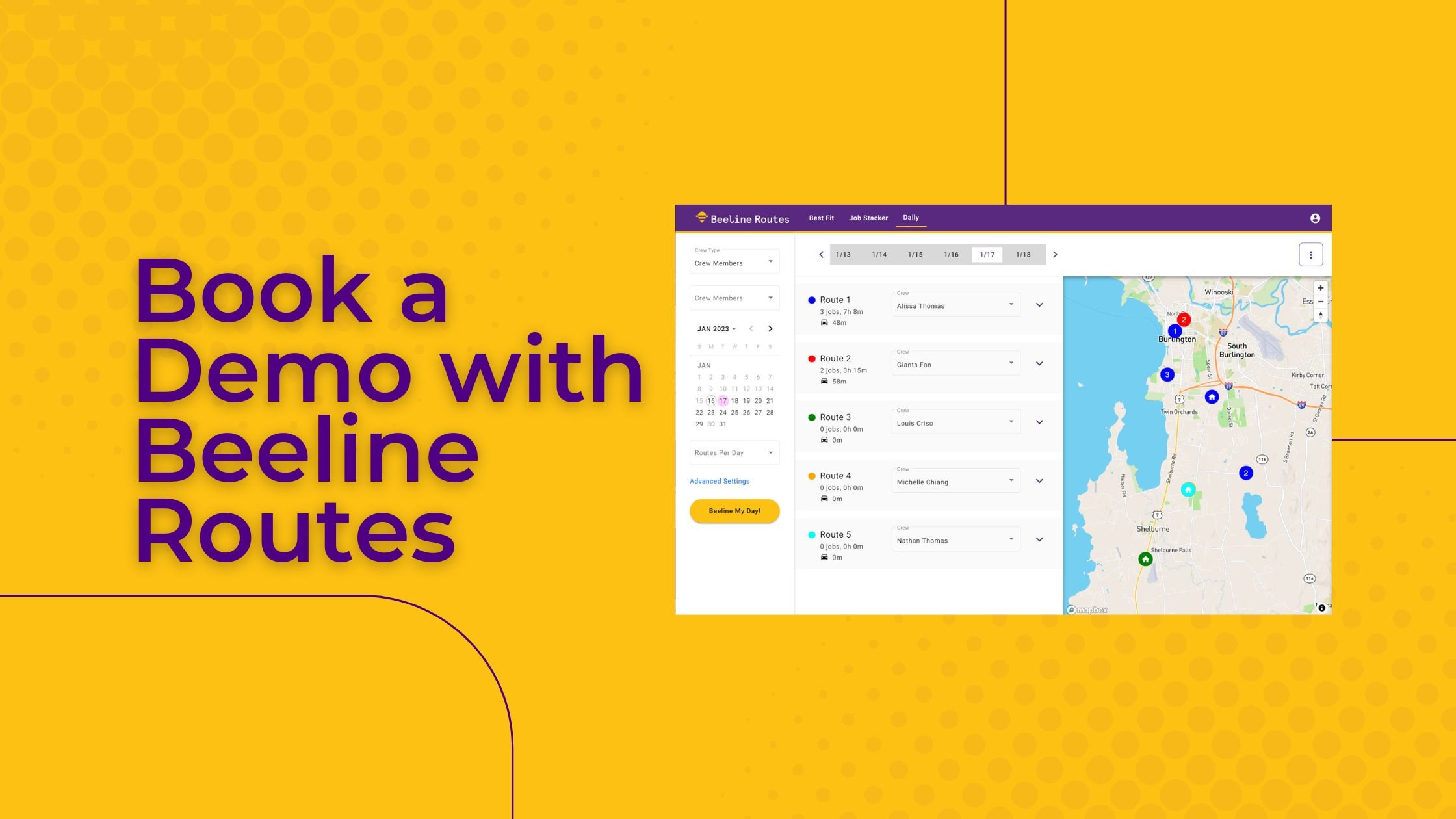
At Beeline Routes, we offer a handful of ways to get assistance, including help documents, video guides, and support chat – but one of the best ways to get started is to schedule a demo!
What is the Beeline Routes demo call about?
Firstly, you should know that the Beeline Routes demo call is not a sales call. Have any questions about pricing? No problem! But we aren’t setting up a demo with you to sell you on our tools – we’re setting up time to get to know you and make sure you succeed using Beeline.
Furthermore, the Beeline Routes demo is not a scripted, rehearsed call; it’s an opportunity for you to connect with one of our teammates on a one-on-one basis where we can learn what your company does and you can learn how to tailor Beeline to your needs.
Prior to your demo, our teammate will take a look at your intake form – the quick questionnaire you fill out when you book your call – and prepare the appropriate questions and examples ahead of time. We’ve talked to a lot of companies about routing, scheduling, and customizing our tools – but we know that every company has its own unique way of approaching things.
Who should attend my Beeline Routes demo?
We recommend scheduling a single demo with all teammates who will be using Beeline Routes. This doesn’t need to be your entire office; whoever manages your scheduling or dispatching is usually the best person to lead your team’s side. If there are multiple people who do this, it’s a good idea to have them join the call together. You can also add them to the invitation (on the same page as the questionnaire) if you want to join from separate computers.
What do I need to attend my demo?
Your demo will be a web conference using Google Meet. No need to download any new software – you can take the call with your browser. We recommend having a webcam and mic set up. While your webcam is not mandatory, we’ll be sharing our screen so you can look at the Beeline software as we go along.
What do I need to do before my Beeline Routes demo?
Make sure all of your teammates write down any questions they have for us and bring them to the demo. It’ll make the demo run more smoothly.
We also recommend having the login to your CRM/FSM handy so you can connect Beeline Routes if you haven’t done so already.
If you don’t already have a CRM or FSM, and you’re looking at Beeline with the intent of getting one, let us know so we can help you learn more about our integrations.
What if I can’t get everyone on the same time slot for a demo?
That’s okay – we can record the demo for anyone who can’t be there! We will save the video and send it to you after the call.
How do I book my demo?
This is the easiest part! Visit our demo page to find time that works for everybody. Also, feel free to browse our help center before your demo so you can get an idea of the versatility of our tools.
